Access Control Systems
Control exactly who can get into your building, and when, without relying on keys that can be copied or lost.
Manage entry without managing a drawer full of keys
Access control replaces (or works alongside) traditional locks with credentials you can issue, adjust, and revoke instantly — a keycard, fob, mobile wallet pass, or PIN code. When someone leaves the company or loses a card, you disable it in seconds instead of rekeying doors.
Most of the systems we install run on a cloud-managed platform, administered from the same console as our camera installs. Systems can manage a single door or an entire multi-building campus, with rules for exactly which doors each person can use and when. Everything is logged, so you can answer "who was in the building at 2am?" without guessing.
- Revoke a lost or terminated employee's access in seconds, not a rekey
- Set different access rules per door, per person, per schedule
- See a full log of who entered which door and when
How people actually get through the door
Proximity cards & fobs
Tap-and-go credentials read from a short distance — the most common option for offices and multi-tenant buildings.
Mobile wallet credentials
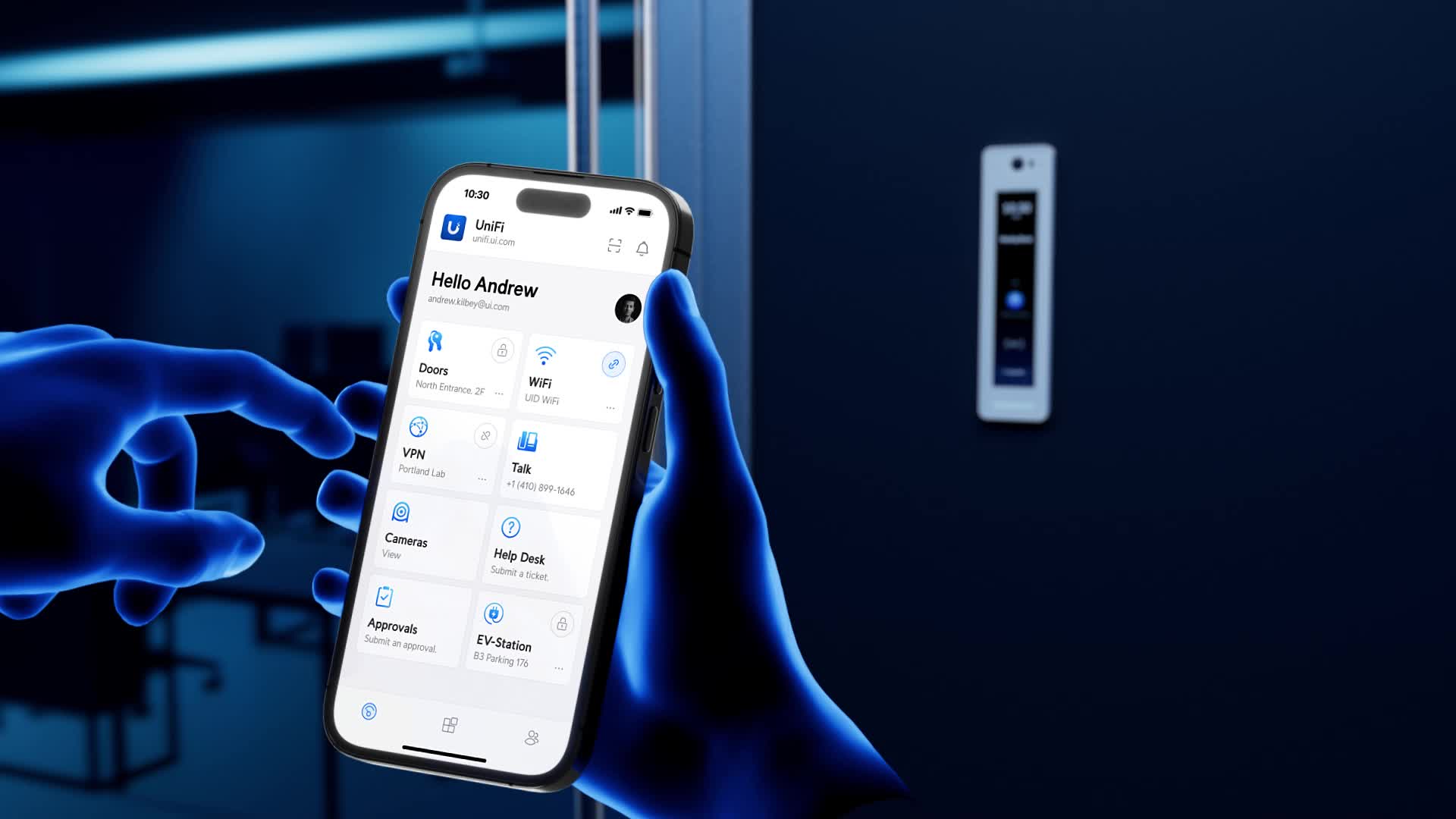
Employees can carry their badge right in their phone's Apple Wallet or Google Wallet, or use our access control app over Bluetooth/NFC — easy to issue and revoke remotely, and hard to "leave at home" the way a card can be.
PIN keypads
Code-based entry where a physical credential isn't needed — useful for shared spaces, gates, or backup entry.
Facial recognition
A dedicated facial recognition terminal is available as an option for higher-security areas where a lost, shared, or forgotten credential isn't acceptable.
Handle visitors without walking to the door
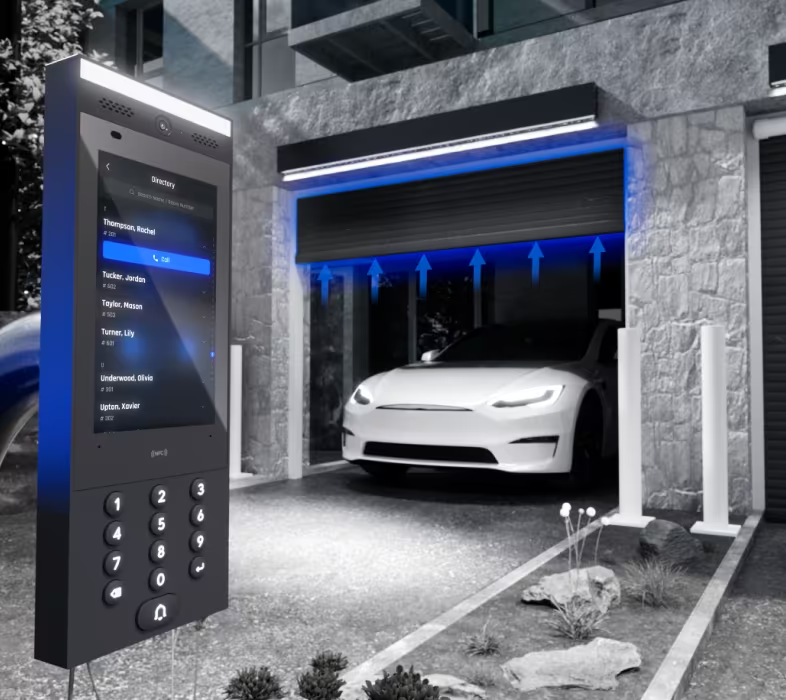
A video door station lets a visitor or delivery driver call in from the entrance, and staff can see, speak to, and unlock for them from a phone or desk — no separate buzzer system needed. Visits are logged alongside regular badge activity, so front-desk coverage doesn't need to be constant.
- Two-way video and audio at the door before granting entry
- Remote unlock from anywhere, not just a desk phone
- Visitor log kept alongside regular access records
What's behind the reader
Door controllers
The hardware that decides whether a credential is valid and releases the lock — wired to each door and networked back to the management system.
Fail-safe vs. fail-secure locking hardware
Fail-safe hardware unlocks during a power loss (often required on fire-egress paths); fail-secure stays locked. Which one applies depends on the door's role in your building's life-safety plan — always confirm requirements with your local fire marshal and current fire code before finalizing hardware.
Cloud-based management portal
Add, adjust, or revoke credentials from a browser or app — no need to be on-site or touch the door hardware directly.
Scheduled & rule-based access
Set time-of-day and day-of-week rules so a door unlocks only when it should, and configure anti-passback rules to prevent one credential being used to let multiple people in.
Audit trails & alerts
Every entry event is logged with a timestamp and credential — useful for both security investigations and everyday HR questions like time-of-arrival.
Multi-door & multi-building management
Every door, gate, and building on the property managed from one console — useful for anything from a single office to a multi-site business.
Real-time tamper & forced-door alerts
Get notified immediately if a door is propped open, held open too long, or a reader is tampered with — not just when a valid credential is used.
Elevator control
Restrict which floors a credential can reach, available for buildings where the elevator itself needs to be part of the access plan.
Native to the same ecosystem as our cameras
Our access control and camera systems run on the same console and app — a manufacturer-level integration, not a third-party platform bridging two separate products.
With cameras (video badging)
Every badge event pulls the matching camera clip, so you can confirm who actually used a credential — not just which one was presented.
With gate systems
Use the same credential at the driveway gate and the front door, managed from one dashboard instead of two separate systems.
From walkthrough to a managed system
Assess
Map every door, who needs access, and when.
Design
Choose credential types and access rules per door.
Install
Hardware installation with minimal disruption to daily operations.
Support
Ongoing help managing credentials as your team changes.